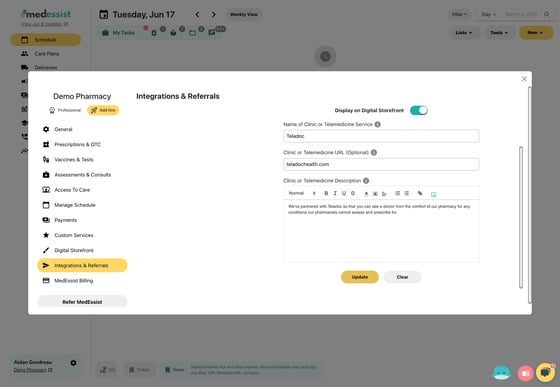
1. Navigate to your dashboard at https://app.medessist.com/home
2. Click the gear icon to view the settings menu.
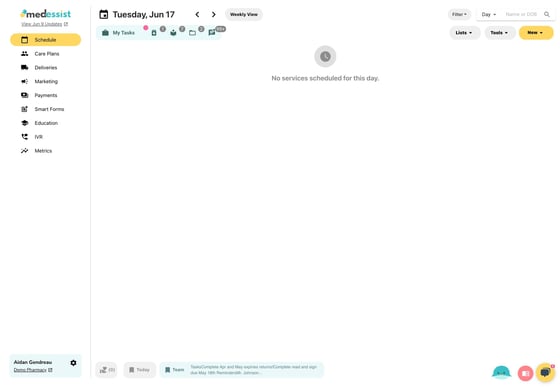
3. Click "Settings"
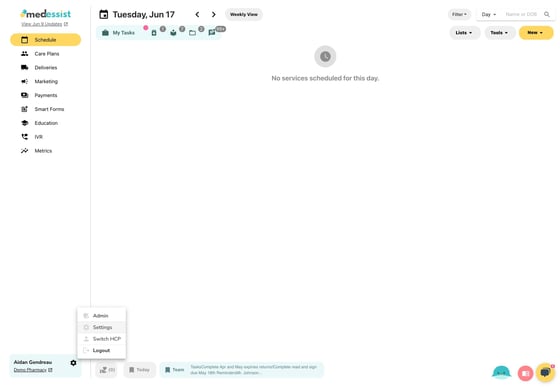
4. Click "Integrations & Referrals"
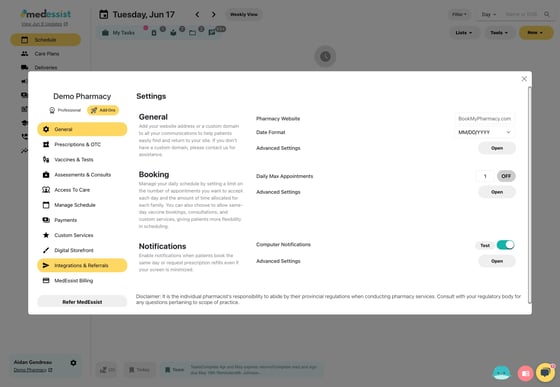
5. Select the "Custom Medical or Telemedicine Referral" option.
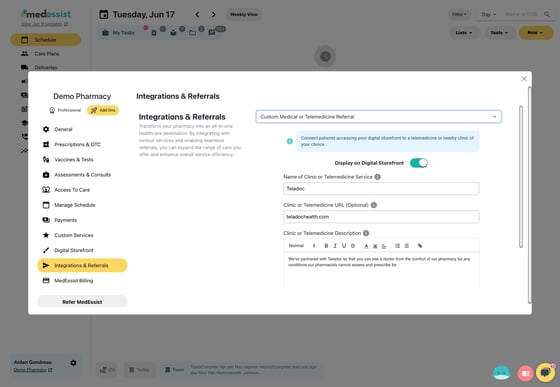
6. Enter the information and link for the virtual telemed service you're adding, then click "Update" to save.