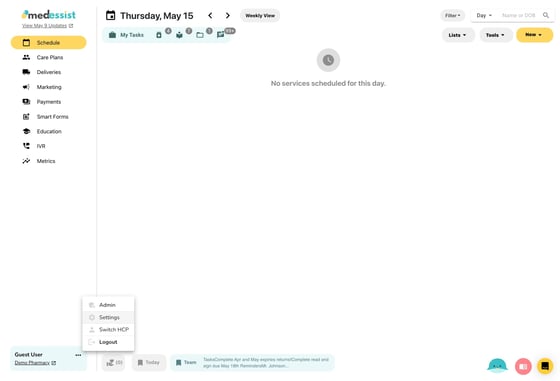
1. Open "Settings" from the three dots next to your name in the bottom left corner.
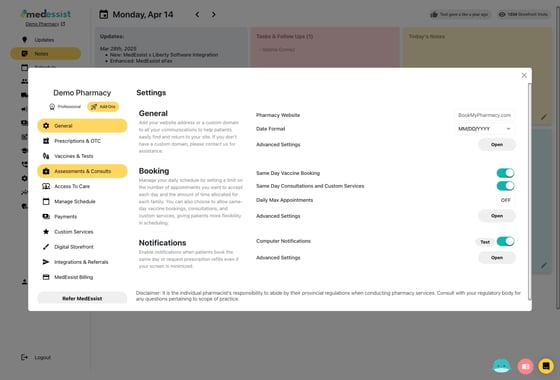
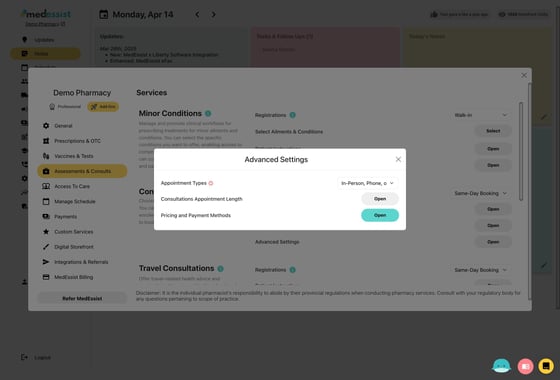
2. Click "Assessments & Consults"
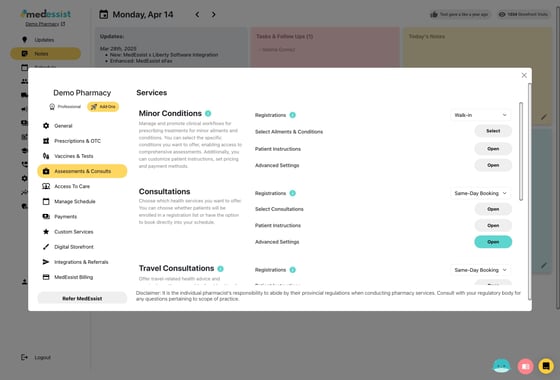
3. Click "Open" to view Advanced Settings for consultations
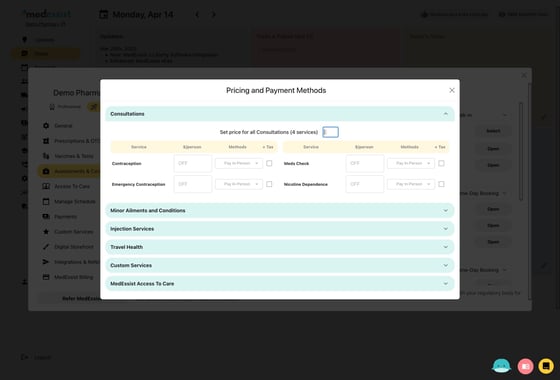
4. Click "Open" to view Pricing and Payment Methods
5. Set price for all services in a category, or select individual prices for each service. Also select acceptable methods of payment, and whether or not the service is taxable. Save to continue.