
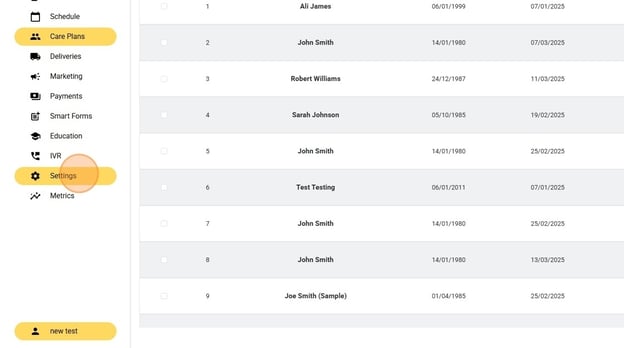
- Click "Settings"
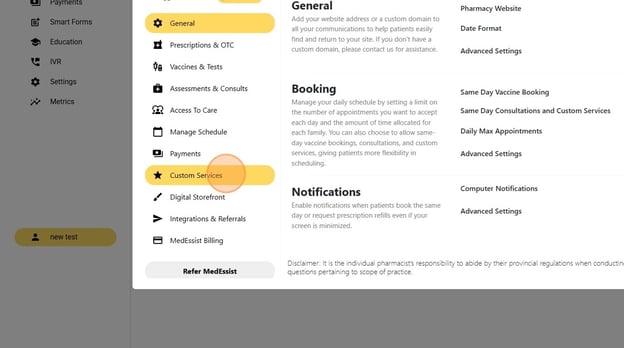
- Click "Custom Services"
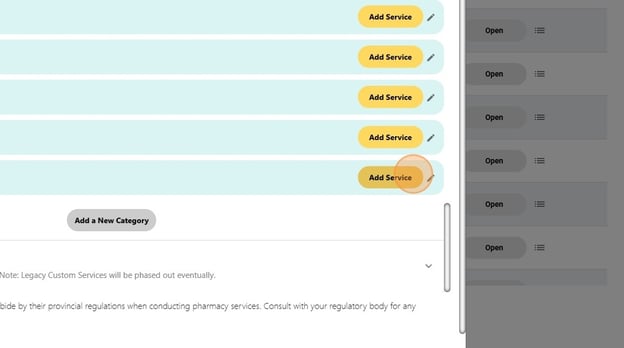
- Click "Add Service"
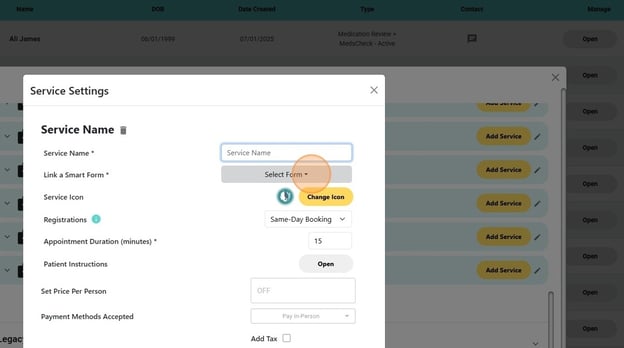
- Name the service (ex. Annual MedsCheck)
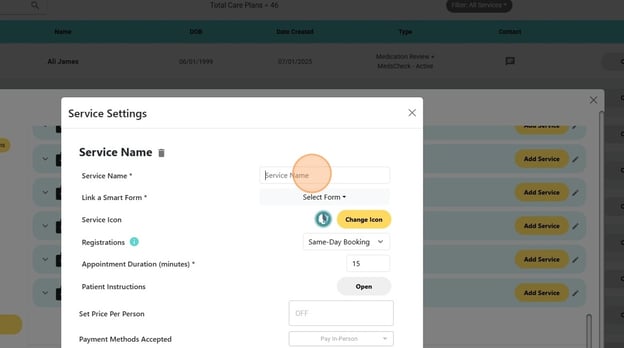
- Click "Select Form"
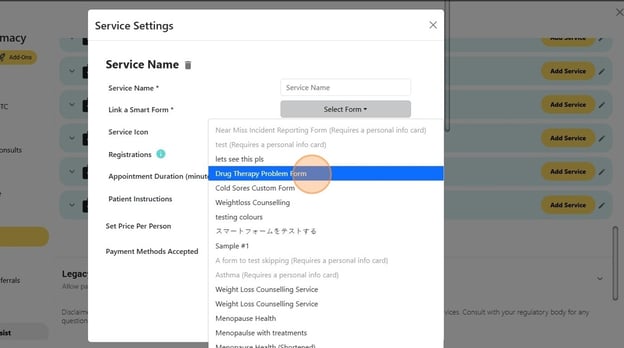
- Click on the name of the new Smart Form you've just created
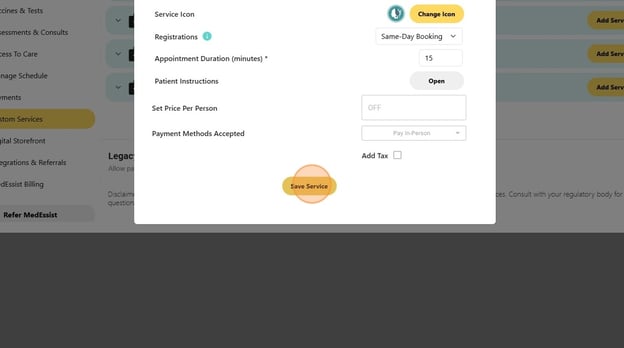
- Ensure the settings are set to your liking (choose icon, set appointment duration...), then click "Save Service"
- Alert: Alert! Ensure "Direct Booking" and "Online Registrations" are toggled "ON", otherwise this service will be unbookable/incompletable for patients online.