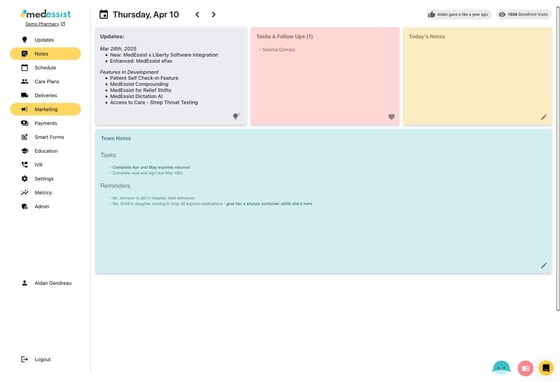
1. Go to the "Marketing" tab
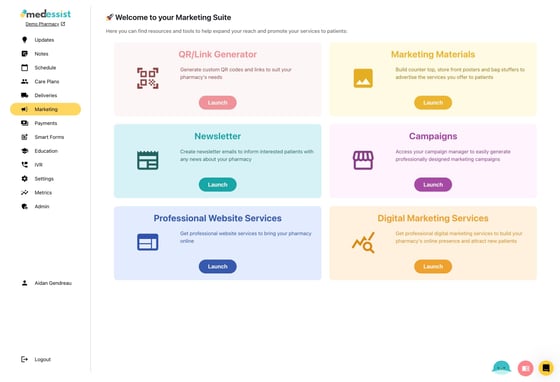
2. Click "Launch" under the Newsletter card
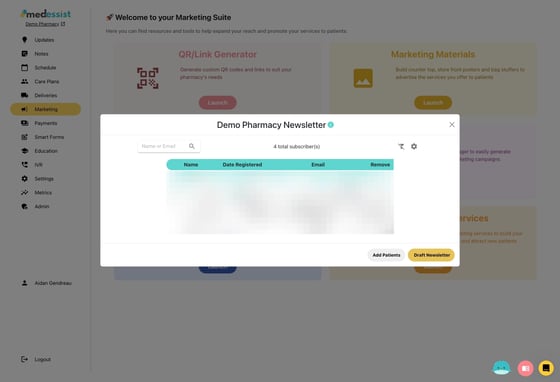
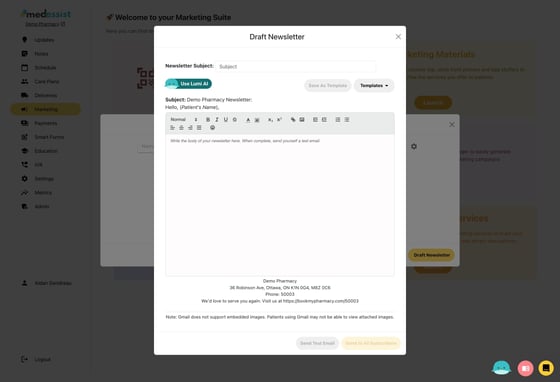
3. Click "Draft Newsletter"
4. Add a subject, then click "Use Lumi AI"
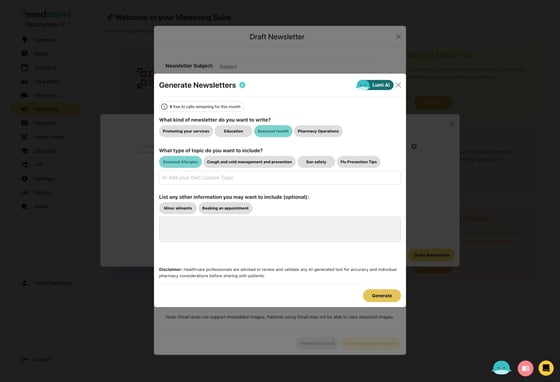
5. Select the type of newsletter email you'd like to create, add any additional context, then click "Generate"
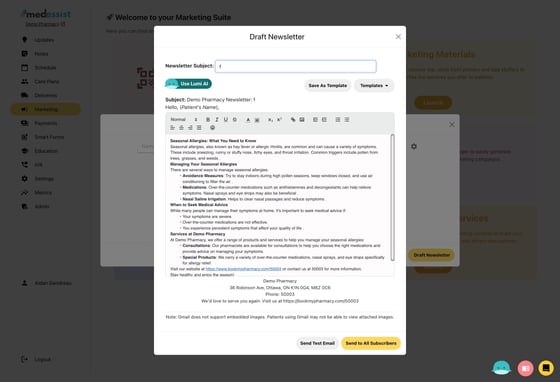
6. Once you've reviewed your newsletter and are satisfied, click 'Send to All Subscribers' to send out your newsletter!