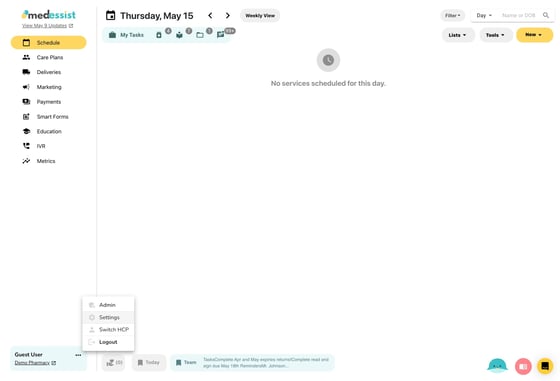
1. Open "Settings" from the three dots next to your name in the bottom left corner.
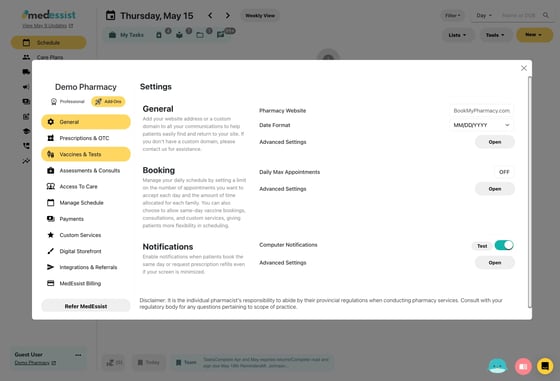
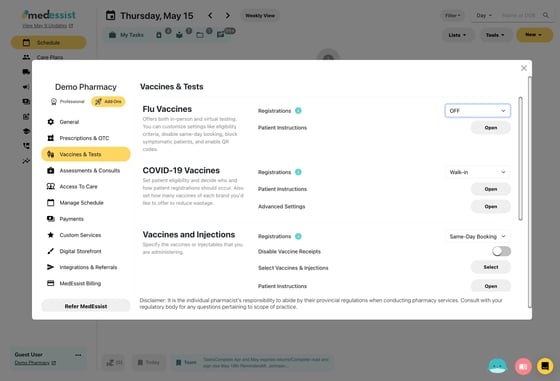
2. Click "Vaccines & Tests"
Flu Vaccines
3. Enable or disable flu vaccine registrations by selecting an option from the dropdown.
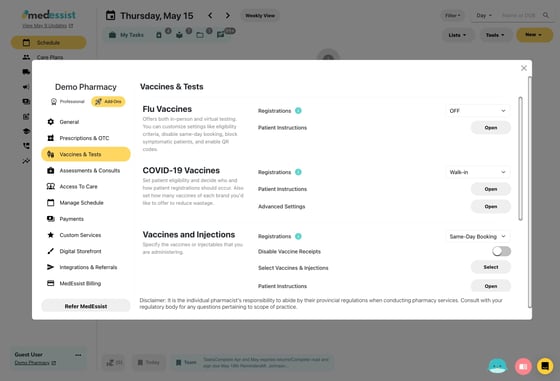
COVID-19 Vaccines
4. Enable or disable COVID-19 vaccine registrations by selecting an option from the dropdown.
Other Vaccines/Injections
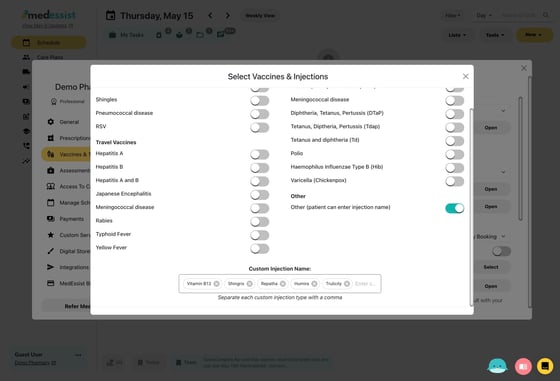
5. Click "Select" under "Vaccines and Injections" to view all options
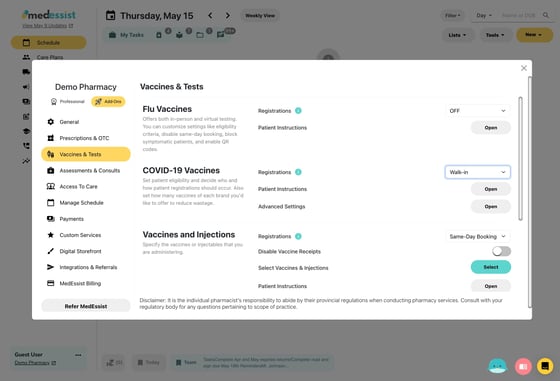
6. Toggle on/off any injections/vaccines you wish, or add custom vaccine/injection services using the 'Custom Injection' field at the bottom.