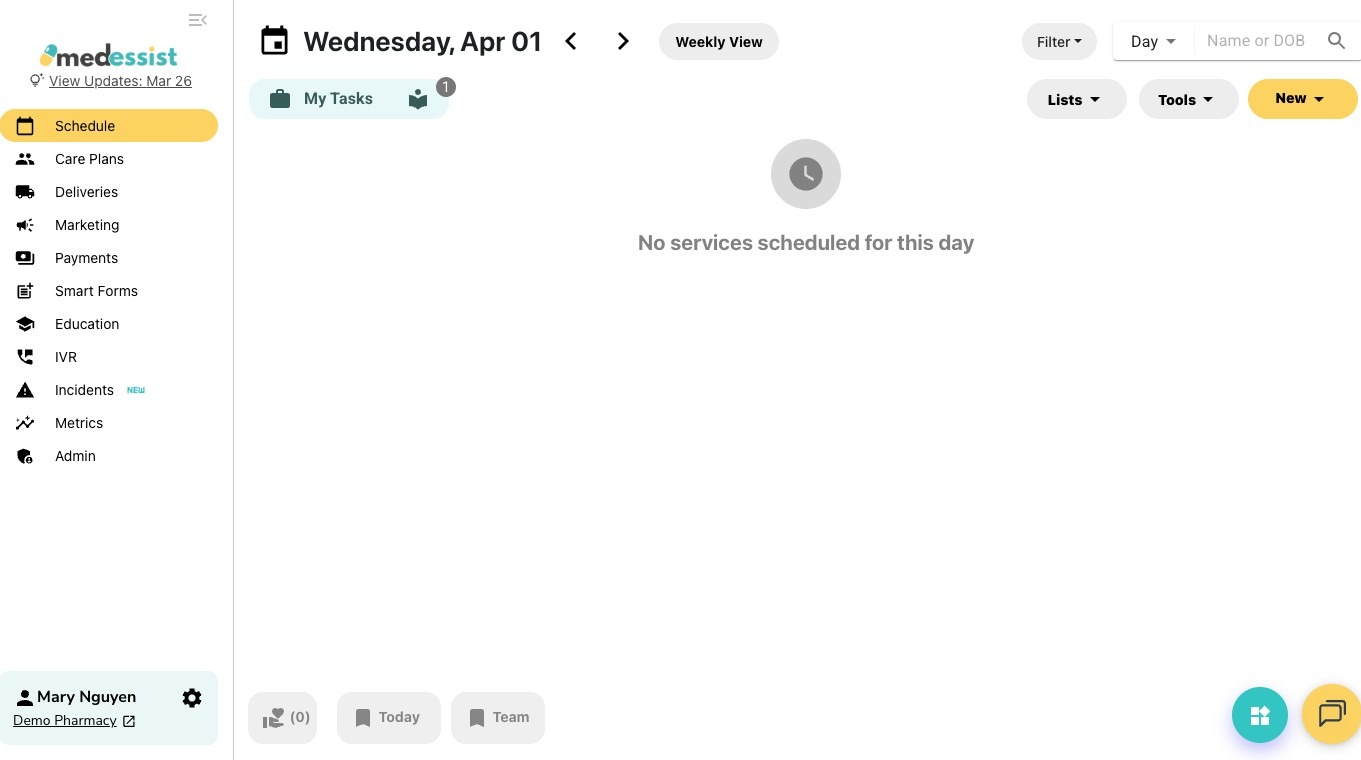
1. Navigate to your MedEssist dashboard app.medessist.com

2. Open "Settings" (gear icon next to your name in the bottom left corner)
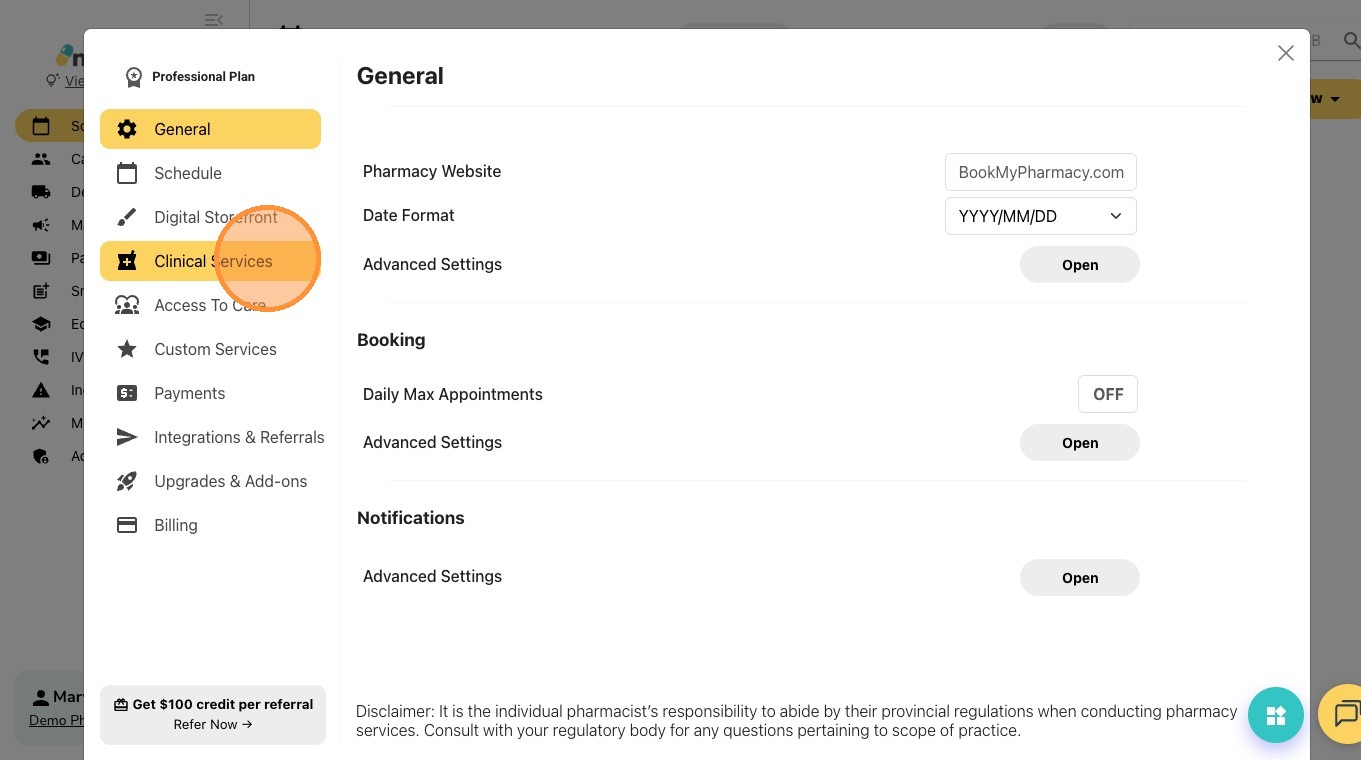
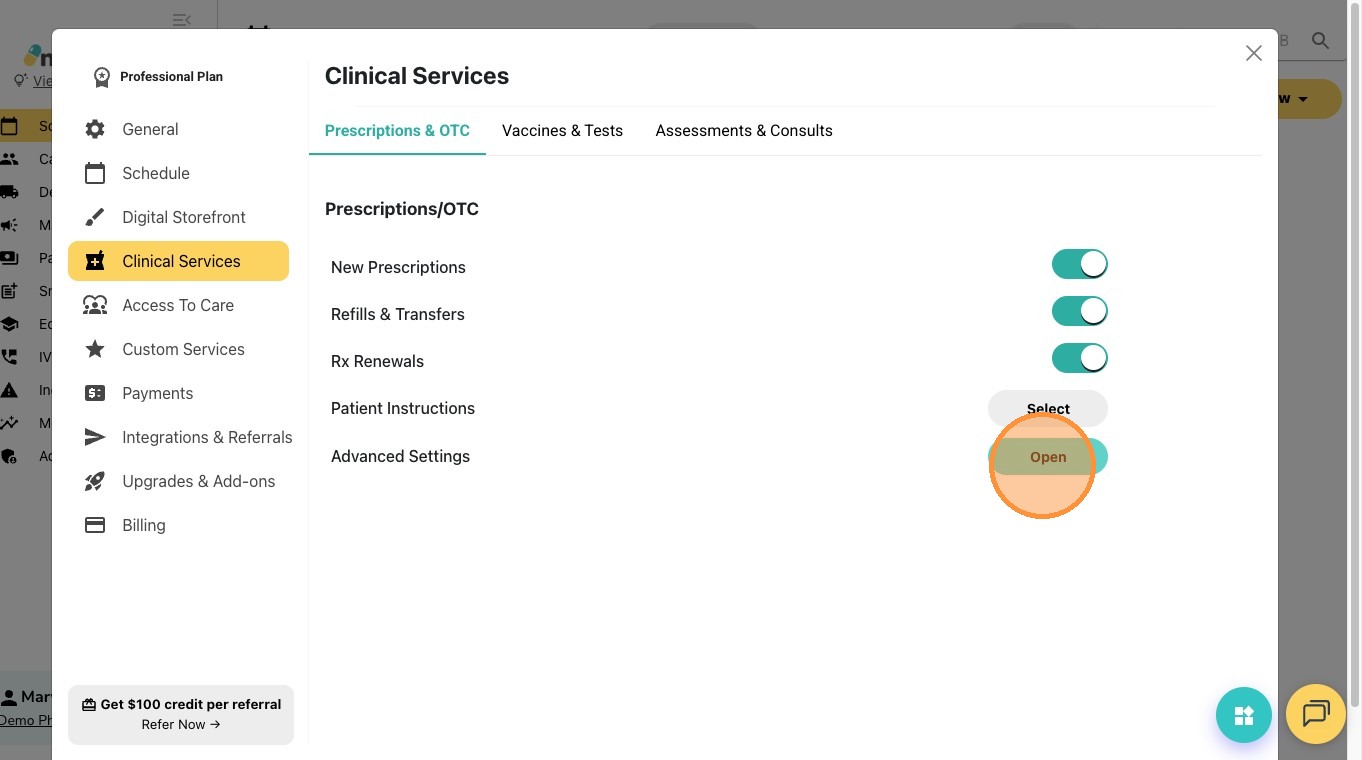
3. Click "Clinical Services"
4. Under the "Prescriptions & OTC" tab, open "Advanced Settings".

5. Add your website URL next to "Third Party Refill System".
Click "Save"

6. Patients can now access your e-refill app via your MedEssist Portal. Any option under “Prescriptions” takes them directly to the app link.