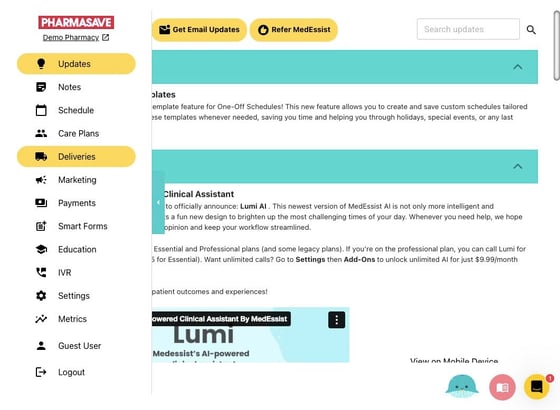
1. Click "Deliveries"
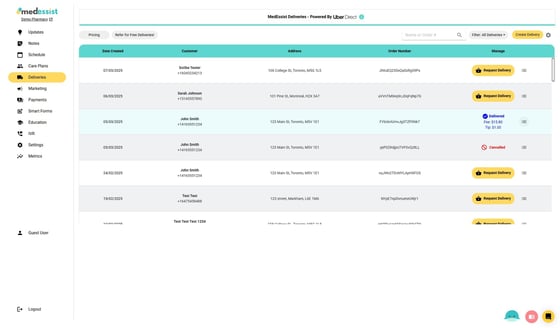
2. Click the following icon next to the delivery record in question
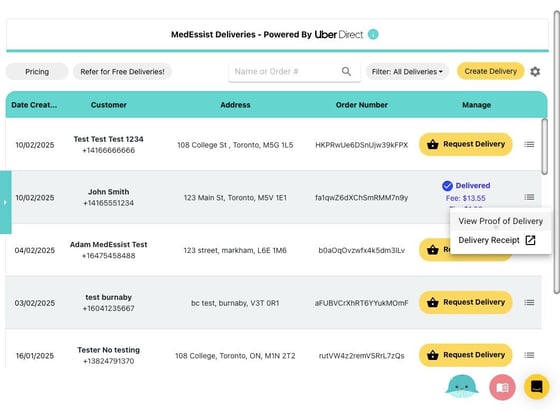
19. Click "View Proof of Delivery" or "Delivery Receipt" for tracking purposes
Clicking "Delivery Receipt" will direct you to Uber's website where delivery details as well as order details are displayed